

Create
How to create your first design
Start with a clear idea, choose the right creation path, and build a design that works on a product.
Begin with the message
Before choosing colors or type, decide what the design should communicate. Use an audience insight, a Moment, your own idea, or artwork you have already created as the starting point.
Choose how you want to create
Generate a design from a prompt or creative direction.
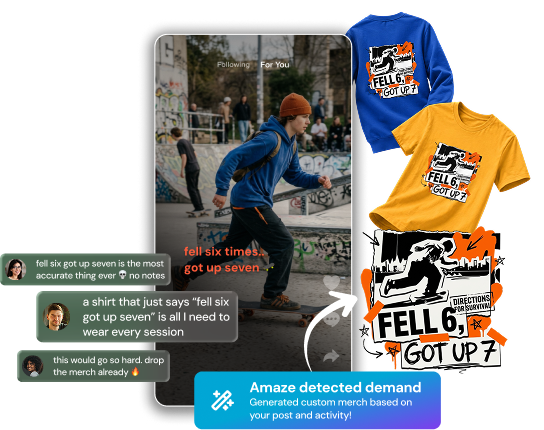
Use an audience insight or content idea as inspiration.
Upload your own artwork and adapt it for products.
Start with a simple phrase, reference, or visual concept and refine it.
Design for the product
Keep the main idea easy to recognize. Check scale, contrast, placement, and readability on the actual product preview. Details that look good on a large screen may disappear when printed.
Review before moving on
Zoom in for quality, zoom out for clarity, and preview more than one product color. Make sure you have the rights to every element you use. When the design feels clear and intentional, save it and begin applying it to products.
Put it into action
Return to your dashboard and turn your idea into a design, product, or live listing.
Your next product starts here.
Whether you're starting with a viral post, existing artwork, a textprompt, or a complete brand vision, Amaze Commerce helps youturn ideas into products, and products into revenue.
Create Free AccountFree to get started. Connect Instagram or YouTube during onboarding to unlock your Creator Brand Analysis.